

Account
Account overview
In Vibewax, you sign in with an account and do your work inside workspaces.
Your account is your login. It holds personal preferences like theme, language, and which AI model the agent uses. These follow you everywhere.
A workspace is where projects live. Each workspace has its own credits. Your projects appear as a grid on the home screen, where you can search them by name.
When you sign up, Vibewax creates your first workspace automatically.
The profile menu
Click your profile in the top-right corner to open the menu, where everything related to your account and workspaces lives.
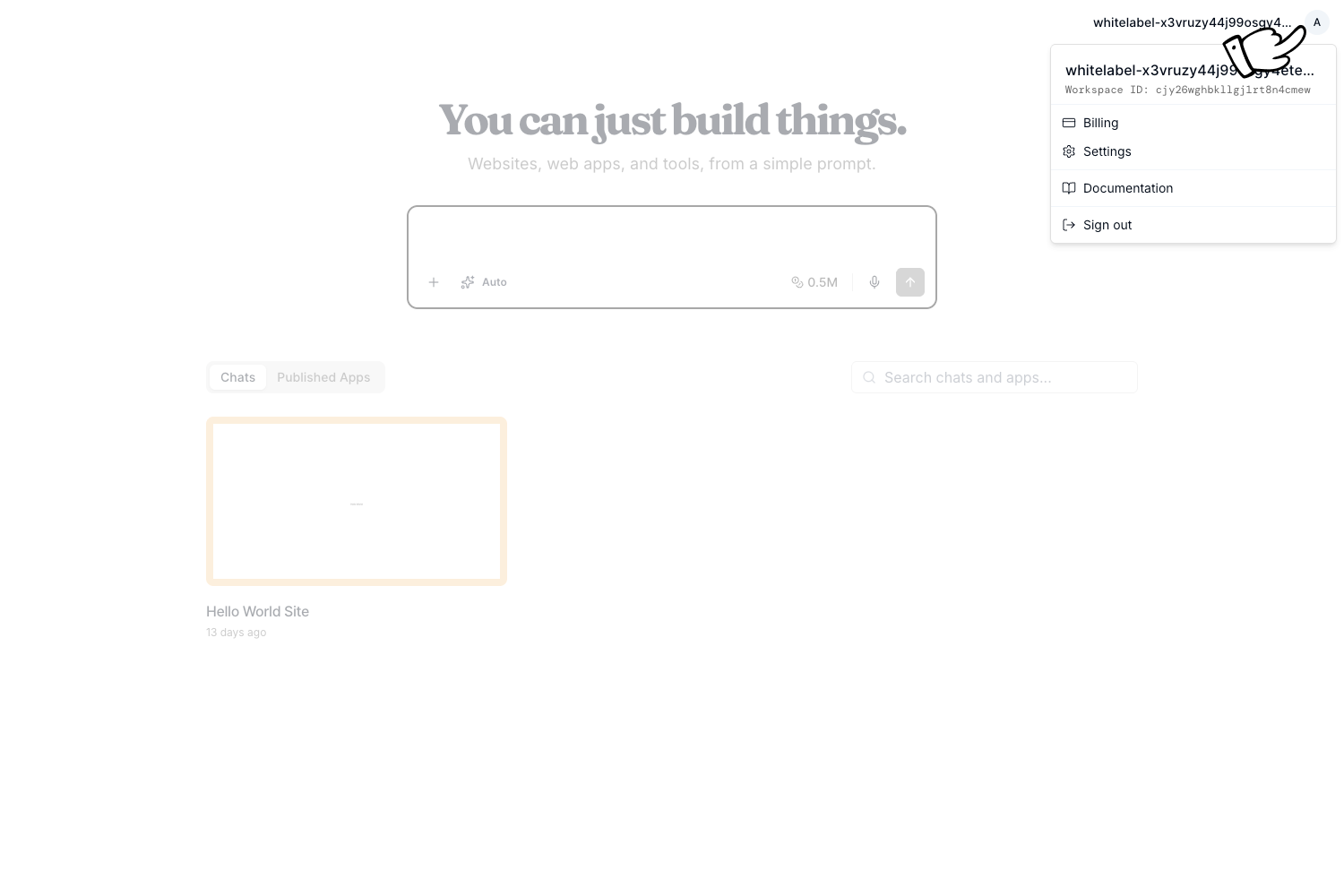
The menu contains:
- All workspaces: Switch between your workspaces
- Settings: Open personal and workspace controls
- What’s new: See recent product updates
- Documentation: Browse these guides
- Sign out: Log out of Vibewax